The General Particle Tracer (GPT) package has become a well-established simulation tool for designing accelerators and beamlines.
Pulsar Physics releases it:
http://www.pulsar.nl/index.htm
The cost is around $10,000~ (Commercial use) but a cost-effective tool.
In addition, this tool has a good combination with
Poisson Superfish and
CST.
Let me show you how to set up GPT version 3.41.
When you see the setting below, the Compiler batch file is required.
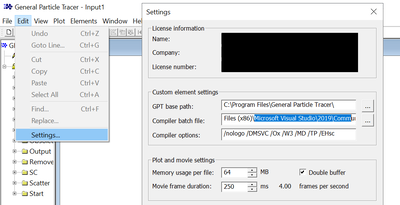
You can not make your elements or progs without the batch file below.
The default PATH is below;
C:\Program Files (x86)\Microsoft Visual Studio\2019\Community\VC\Auxiliary\Build\vcvars64.bat
You can download the installer on
this page.
Push the bottom (Desktop development with C++).
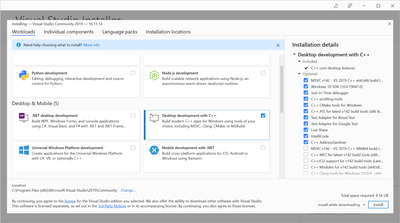
You succeeded in the installation.
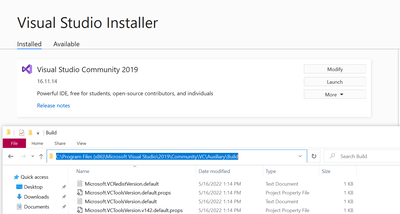
After getting the compiler, you can make your own elements or progs.
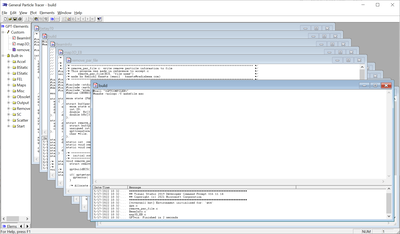
Let me show examples.
This element export lost particle information.
You can download it
here and rename it as remove_par_file.
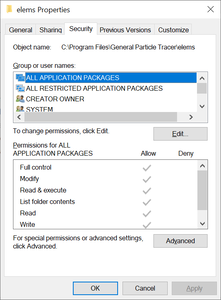
The element folder is at C:\Program Files\General Particle Tracer\elems.
Don't forget to give full access to the folder (kernel and progs, too).
You just make the new element by putting the file name below.
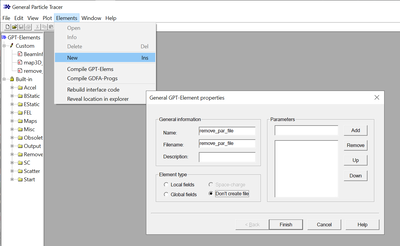
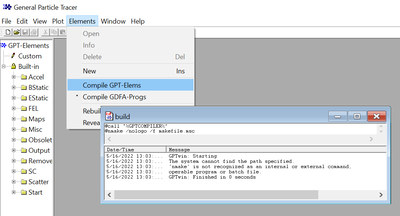
Don't forget to Compile GPT-Elems after the adding.
For the progs, you should push the bottom below.
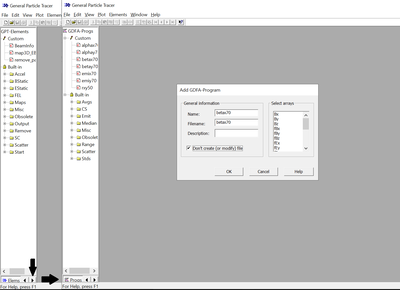 This
This is an example of the progs.
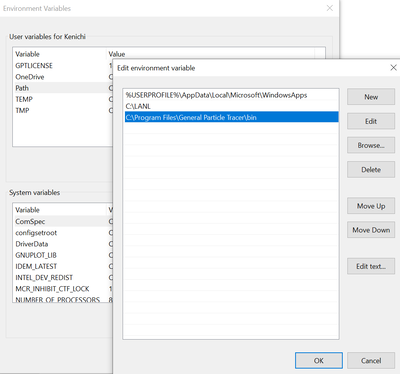
Also, don't forget to set the environment.
When you put GPTLICENSE (the value is the license number), you can use GPT with the command prompt.